Passive Reconnaissance for Beginners: Complete Guide with Tools, Steps and Examples
🔍 What Is Passive Reconnaissance?
📌 Passive reconnaissance is the process of gathering information about a target without directly interacting with it. You never touch the target's systems — instead, you collect publicly available data from third-party sources. Because there's no direct contact, the target has no way of knowing you're researching them.
👉 In simple words:
You are observing the target from a distance without touching it.

🎯 Why is Passive Reconnaissance Important ?
- Helps you stay anonymous and undetected
- Reduces chances of legal issues
- Provides valuable initial information about a target
- Forms the foundation of ethical hacking

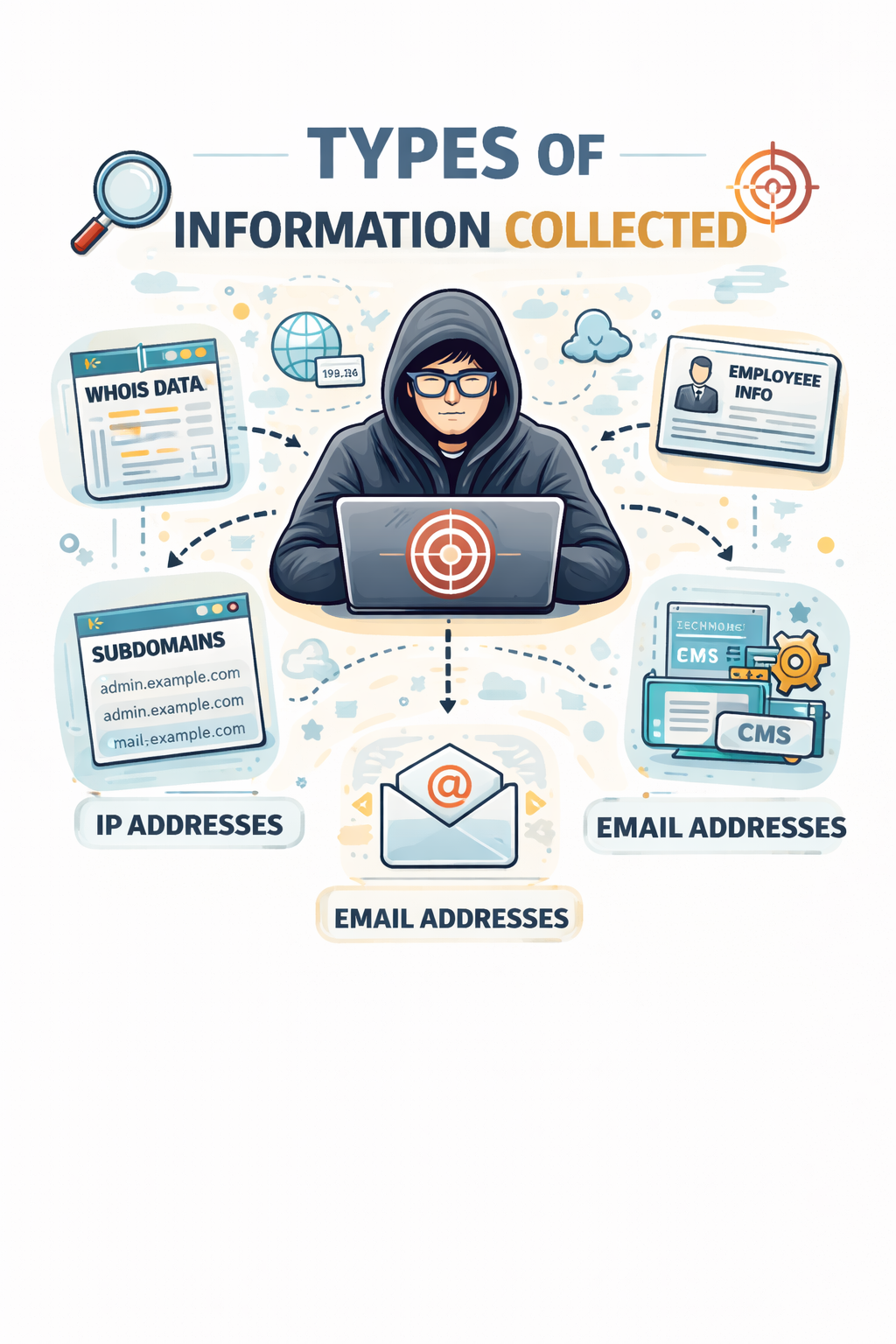
🧠 Types of Information Collected
During passive reconnaissance, you can gather:
- Domain details (WHOIS data)
- IP addresses
- Employee information
- Email addresses
- Subdomains
- Technologies used (CMS, frameworks)
- Public documents and metadata
🛠️ Passive Reconnaissance Tools (Categorized for Beginners)
💻 CMD-Based Tools (Windows Command Prompt)
These tools are already available in your system, so no installation needed.
1. 🔎 WHOIS (via online or installed tool)
- Finds domain owner details
- What to do:
- Install WHOIS tool or use online
- Run:
whois example.com
- You will get: domain owner, registrar, expiry date
2. 🌐 NSLookup
- Used to find DNS records
- What to do:
nslookup example.com
- You will get: IP address, DNS info
3. 📡 Ping
- Checks if a server is alive (basic info only)
- What to do:
ping example.com
🐧 Linux-Based Tools (Kali Linux Recommended)
These tools are more powerful and commonly used by ethical hackers.
1. 🕷️ theHarvester
- Collects emails, subdomains, hosts
- What to do:
theHarvester -d example.com -b google
- Output: emails + subdomains
2. 🔍 Recon-ng
- Framework for automated reconnaissance
- What to do:
recon-ng
- Then load modules and search target data
3. 🌐 DNSenum
- Finds subdomains and DNS info
- What to do:
dnsenum example.com
🌍 Browser-Based Tools (No Installation Needed)
Best for beginners 👌 Just open and use.
1. 🔎 WHOIS Websites
- Example: whois.domaintools.com
- What to do:
- Enter domain → click search
- Output: owner + domain info
2. 🔍 Shodan
- Search engine for devices on internet
- What to do:
- Go to Shodan website
- Search domain or IP
- Output: open ports, devices, servers
3. 📧 Hunter.io
- Finds company email addresses
- What to do:
- Enter domain
- Output: email list
4. 🧰 BuiltWith / Wappalyzer
- Detect technologies used by websites
- What to do:
- Enter URL or install extension
- Output: CMS, frameworks, plugins
🪜 Step-by-Step Passive Reconnaissance (Beginner Workflow)
Step 1: 🎯 Choose Your Target
Example:
example.com
Step 2: 🌍 Start with Browser Tools (Easiest)
- Use:
- WHOIS website
- Hunter.io
- Goal: Get basic domain + email info
Step 3: 💻 Use CMD Tools
- Run:
nslookup example.com
ping example.com
- Goal: Get IP and DNS details
Step 4: 🐧 Use Linux Tools (Advanced Info)
- Run:
theHarvester -d example.com -b google
dnsenum example.com
- Goal: Find subdomains and emails
Step 5: 🔍 Google Dorking
Search in Google:
site:example.com filetype:pdf
- Goal: Find public documents
🚀 Conclusion
Passive reconnaissance is the safest and smartest way to start cybersecurity.
By using CMD, Linux, and browser-based tools, beginners can easily gather useful information step-by-step without being detected.